Add Dynamite to your Shopify storefront
Dynamite installs on Shopify as one line inside the head of layout/theme.liquid. That layout covers the storefront and stops at checkout, so checkout is out of reach. No Shopify app is involved, and the install connects no order history.

Install on Shopify with one line of JavaScript
<script defer src="https://www.usedynamite.com/dynamite.js" data-site="your-site"></script>Where the line goes
In the Shopify admin, open Online Store, click the “…” menu on the theme, choose Edit code and open layout/theme.liquid. Paste the line inside <head>. An edit to the live theme takes effect on save. Shopify recommends working on a duplicate, which then has to be published.
Code can be edited only on a theme you have purchased, which rules out a paid-theme trial.
Before you start
- A Shopify store with a theme whose code you can edit (a purchased theme, not a paid-theme trial)
- Staff access to Online Store themes
- A Dynamite workspace for the store’s domain
Steps
- Duplicate the themeIn the Shopify admin, open Online Store and duplicate the theme as a backup.
- Paste the line into theme.liquidCopy the line from Installation in Dynamite. On the theme, open the “…” menu, choose Edit code, open layout/theme.liquid, paste the line inside <head> and save. If you edited the duplicate, publish it.
- Confirm the installOpen the store once. Installation shows the script checking in.
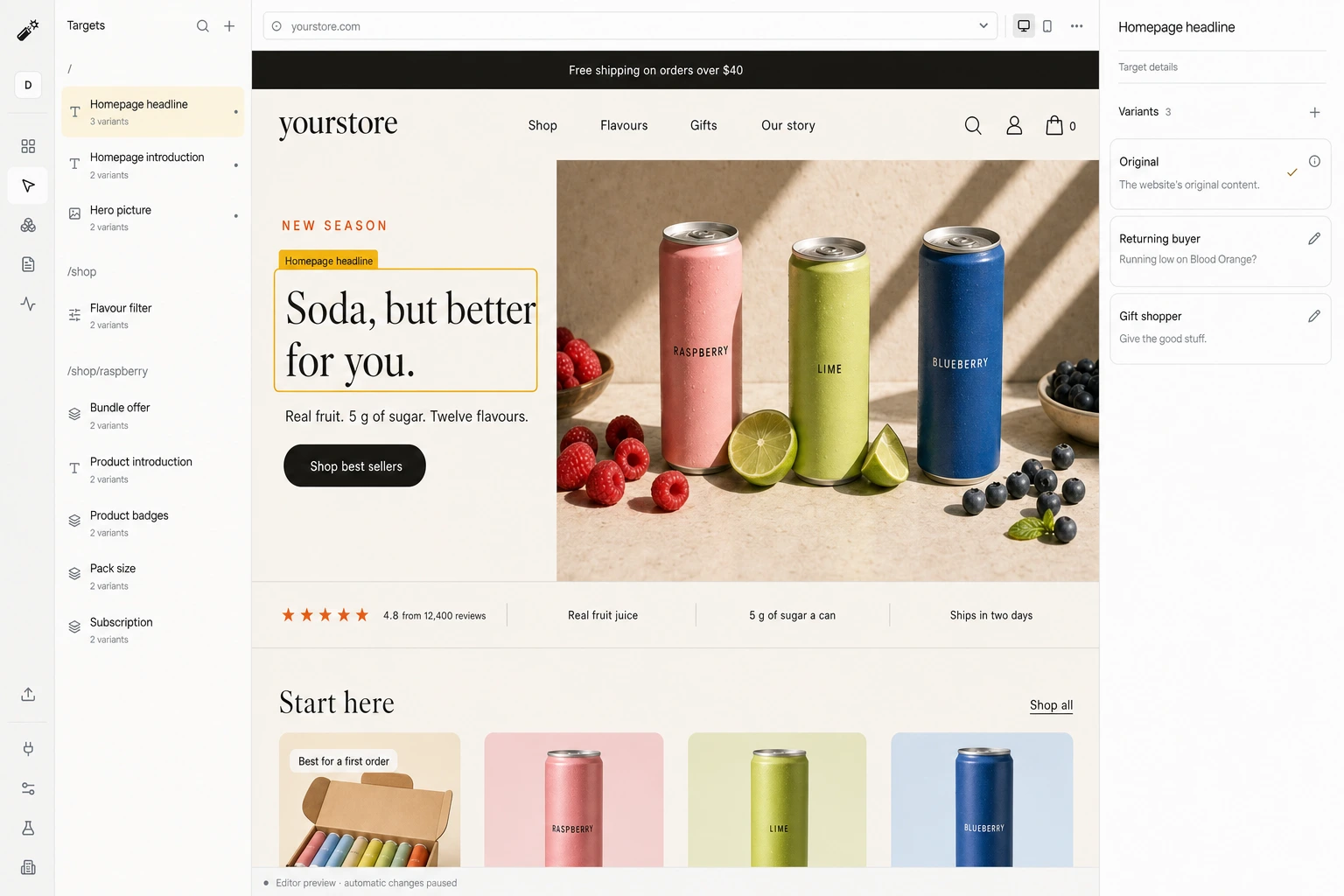
- Review a draft and go liveStep through each target and version in the editor, set the goal, then publish.
Good to know
- No Shopify app. The install is a manual edit to theme code.
- Nothing runs in checkout, and Dynamite does not change prices, discounts or the catalog.
- A theme update or a new theme can remove the line.
What happens on each visit
- A visit arrivesYour original page renders first.
- Signals are readCampaign, pages viewed, past visits, and any data you connected.
- A version is pickedOnly among the versions you approved, usually within 300 ms.
- The page changes, or staysAfter 1.5 s, or on any error, the original is kept.
Convert 20% more of your existing traffic
Dynamite’s real-time AI serves every visitor the content and offers most relevant to them, typically outperforming a static website by 20%.
You keep control
Dynamite doesn't generate new designs on the fly. You configure the possible designs on our dashboard, along with who they are for.
Questions
Which themes are supported?
Any theme whose code you can edit, since the line goes into layout/theme.liquid. Shopify allows that only on a purchased theme, and we have not tested theme by theme.
Does this affect checkout?
No. The theme layout does not apply to checkout pages, so the script never loads there.
Does installation connect purchase history?
No. The script sees browsing on the storefront in one browser, and order data reaches Dynamite only through a data connector you host.
See Dynamite with Shopify.
Or email samraaj@ion.design