Personalize WordPress without replacing your theme
Dynamite runs on WordPress from one script line in the head. Your theme can print it, or a header plugin such as WPCode can. Dynamite has no plugin of its own, and free WordPress.com sites cannot run it.

Install on WordPress with one line of JavaScript
<script defer src="https://www.usedynamite.com/dynamite.js" data-site="your-site"></script>Self-hosted WordPress
WordPress prints head scripts on the wp_head action, which only fires when the theme calls wp_head(). A developer can print the line there. Otherwise use a header and footer plugin: in WPCode, open Code Snippets, then Header & Footer, paste into the Header box and click Save Changes. Self-hosted sites have no plan requirement.
Before you start
- Self-hosted WordPress with a theme that calls wp_head(), or a WordPress.com plan that allows plugins with hosting features activated
- An administrator account that can edit the theme or install a plugin
- A Dynamite workspace for the site’s domain
Steps
- Put the line in the headCopy the line from Installation in Dynamite. In WPCode, open Code Snippets, then Header & Footer, paste it into the Header box and click Save Changes. Or have a developer print it on wp_head.
- Exclude it from script optimisationIf a cache or optimisation plugin delays, combines or removes scripts, add the Dynamite line to its exclusions and clear the cache.
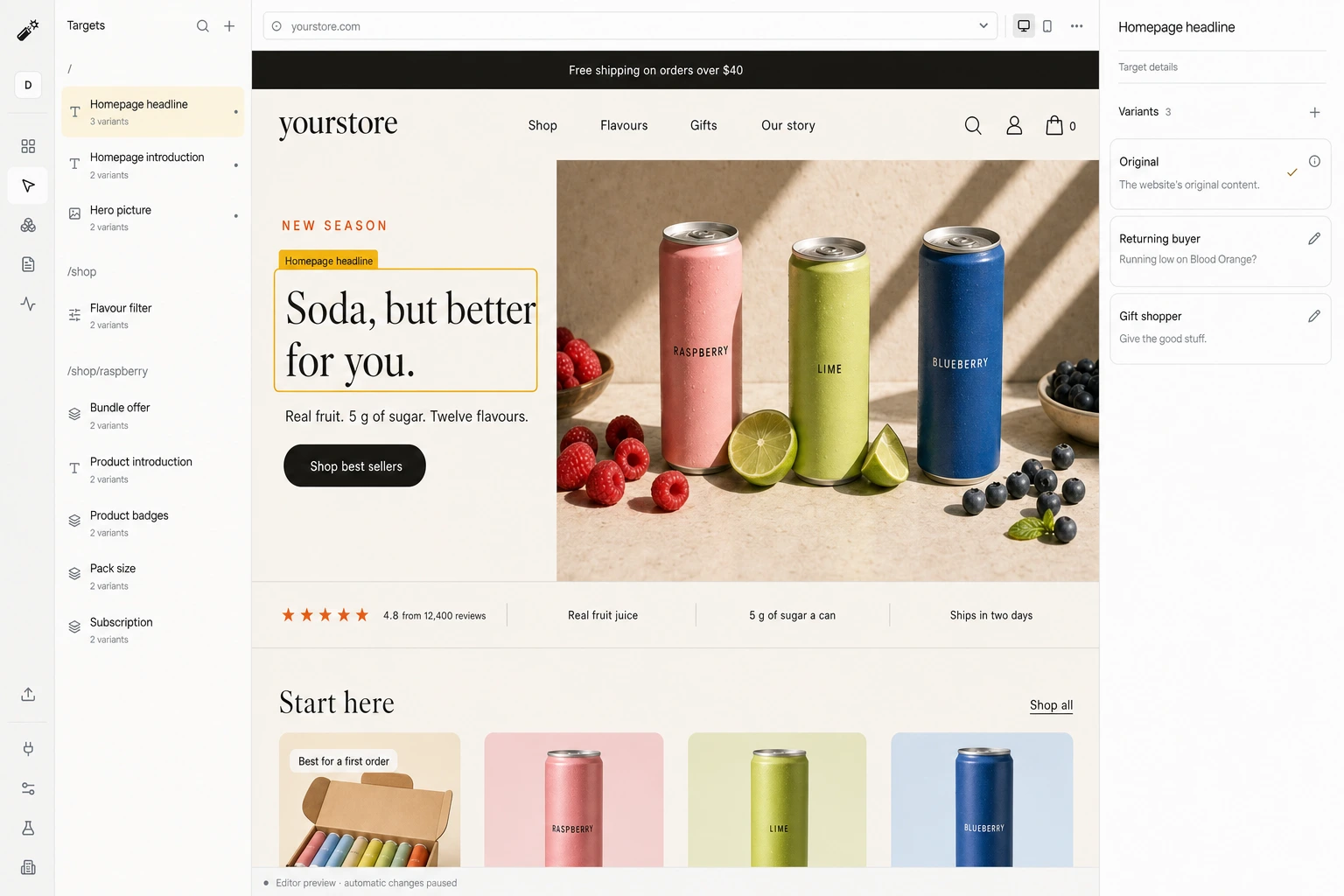
- Confirm the installOpen the site once. Installation shows the script checking in.
- Review a draft and go liveStep through each target and version in the editor, then publish.
Good to know
- No Dynamite plugin exists in the WordPress plugin directory, and free WordPress.com sites cannot run script tags.
- Untested with named cache, optimisation and page builder plugins. Check yours before relying on a target.
- Reading history is per browser and per site. The same reader on another device starts fresh.
What happens on each visit
- A visit arrivesYour original page renders first.
- Signals are readCampaign, pages viewed, past visits, and any data you connected.
- A version is pickedOnly among the versions you approved, usually within 300 ms.
- The page changes, or staysAfter 1.5 s, or on any error, the original is kept.
Convert 20% more of your existing traffic
Dynamite’s real-time AI serves every visitor the content and offers most relevant to them, typically outperforming a static website by 20%.
You keep control
Dynamite doesn't generate new designs on the fly. You configure the possible designs on our dashboard, along with who they are for.
Questions
Do I need a plugin?
No. Dynamite has no plugin, and a theme can print the line on wp_head. A header and footer plugin pastes it without a code edit.
Does caching affect personalization?
Only if a cache or optimisation plugin delays, combines or strips third-party scripts, in which case exclude this one. Page caching itself is fine, because versions are applied in the browser.
Which WordPress.com plans support installation?
A plan that allows plugins, with hosting features activated. Free sites cannot use script tags, and WordPress.com’s current plan page says which plans qualify.
See Dynamite with WordPress.
Or email samraaj@ion.design