Connect your ChatGPT ad message to the landing page
A ChatGPT ad has no keyword, and OpenAI never passes the conversation to your landing page. Dynamite works from the ad group clicked and the context hints you wrote for it in Ads Manager.

The landing page query parameters
Two parameters on each campaign name the ad group and ad behind a click. OpenAI fills in the IDs, and the campaign follows from the ad group.
A dyn_hint goes one level down, in an ad group’s own Landing page query parameters, and OpenAI joins it with the campaign’s. UTMs that carry {campaign_id}, {ad_group_id} or {ad_id} also match.
dyn_gpt_ad_group={ad_group_id}&dyn_gpt_ad={ad_id}Before you start
- Dynamite installed on the pages your ads point to
- A ChatGPT Ads account where you can create an Advertiser API key and edit campaigns
- Ads connections switched on for your workspace, which we do with you during onboarding
Steps
- Create a key and connectCreate an Advertiser API key under Settings in Ads Manager, then press Connect on the ChatGPT Ads row under Data → Ads and paste it.
- Add the query parametersEdit each campaign and add the two parameters above to its Landing page query parameters.
- Write context hints and versions, then testGive each ad group its own context hints and write one version per ad group in the editor. Load a tagged URL with real IDs, confirm the match, then publish.
Good to know
- No conversation, prompt or user identity reaches Dynamite.
- The Advertiser API key can write as well as read at OpenAI. Treat it as you would any key with that reach.
- OpenAI lists ad groups one campaign at a time, so a pull reads the newest 400 campaigns and the ads of 1,200 ad groups.
Convert 20% more of your existing traffic
Dynamite’s real-time AI serves every visitor the content and offers most relevant to them, typically outperforming a static website by 20%.
You keep control
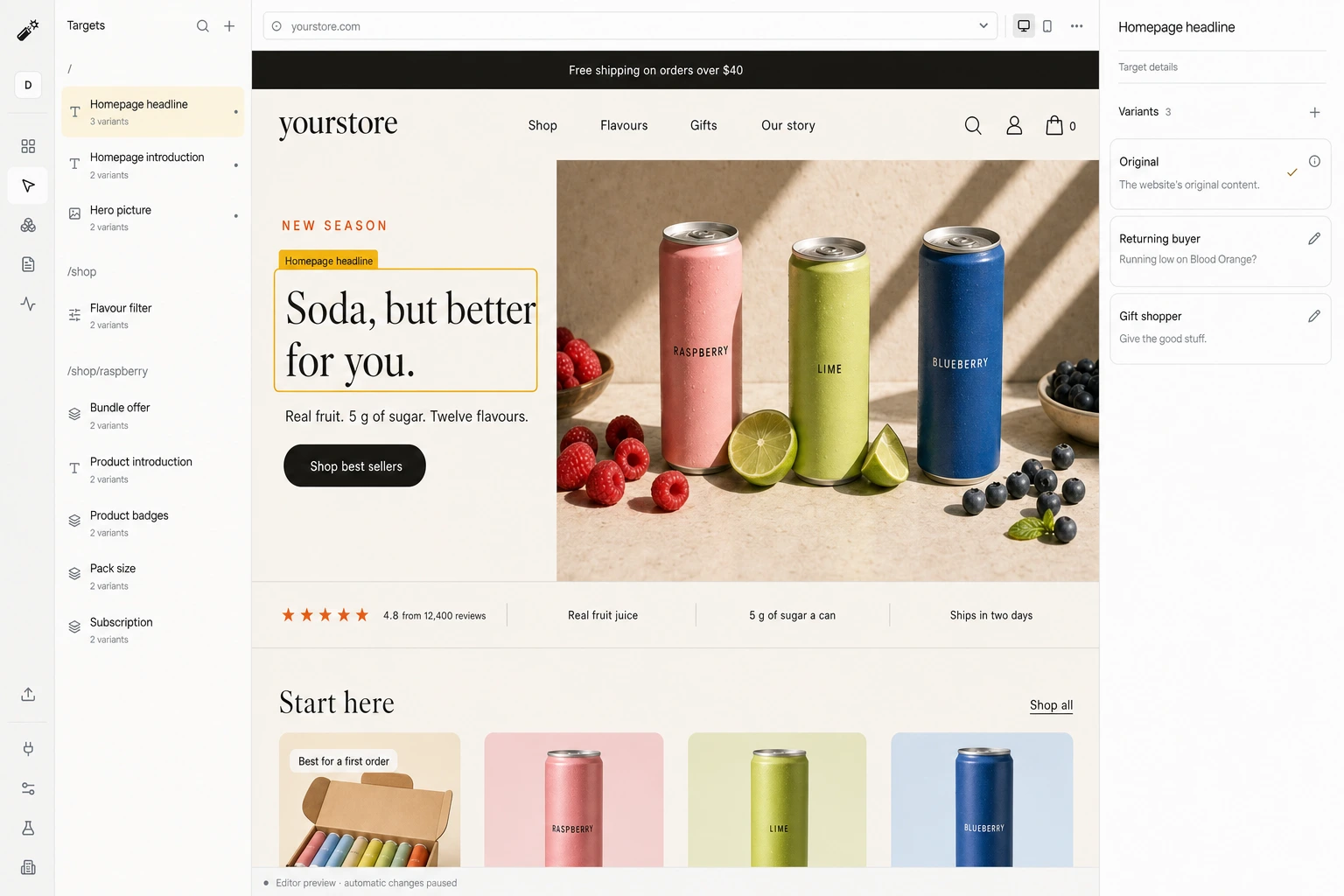
Dynamite doesn't generate new designs on the fly. You configure the possible designs on our dashboard, along with who they are for.
Questions
Can Dynamite see a ChatGPT conversation?
No. OpenAI never passes the conversation to the landing page.
Which context must I configure?
The two landing page query parameters on each campaign, so a click names its ad group and ad, and context hints on each ad group. dyn_hint is optional.
What happens when metadata is absent?
The click is treated as an ordinary visit, and the visitor sees your original page unless referrer or browsing picks an approved version.
See Dynamite with ChatGPT Ads.
Or email samraaj@ion.design