Personalize your Framer site for each audience
Dynamite is added to Framer as a script in the project’s Custom Code tab. There is no Dynamite plugin for Framer. Custom code never loads in the canvas preview, so each check on this page happens on the published site.

Install on Framer with one line of JavaScript
<script defer src="https://www.usedynamite.com/dynamite.js" data-site="your-site"></script>Installing on Framer
Open project settings, select the Custom Code tab and click Add Script. Framer asks for a name, where the code is placed, which pages it covers, and whether it runs once or on every page visit. Custom code requires a paid Framer plan that includes it, so check yours first.
Before you start
- A published Framer site on a paid plan that includes custom code
- Permission to edit project settings and publish
- A Dynamite workspace for the site’s domain
Steps
- Add the scriptCopy the line from Installation in Dynamite. In Framer, open project settings, select the Custom Code tab and click Add Script. Name it, paste the line, place it in the head and leave it on all pages.
- Publish the siteFramer does not load custom code in the canvas preview, so publish and open the live address.
- Confirm the installLoad the live site once. Installation shows the script checking in.
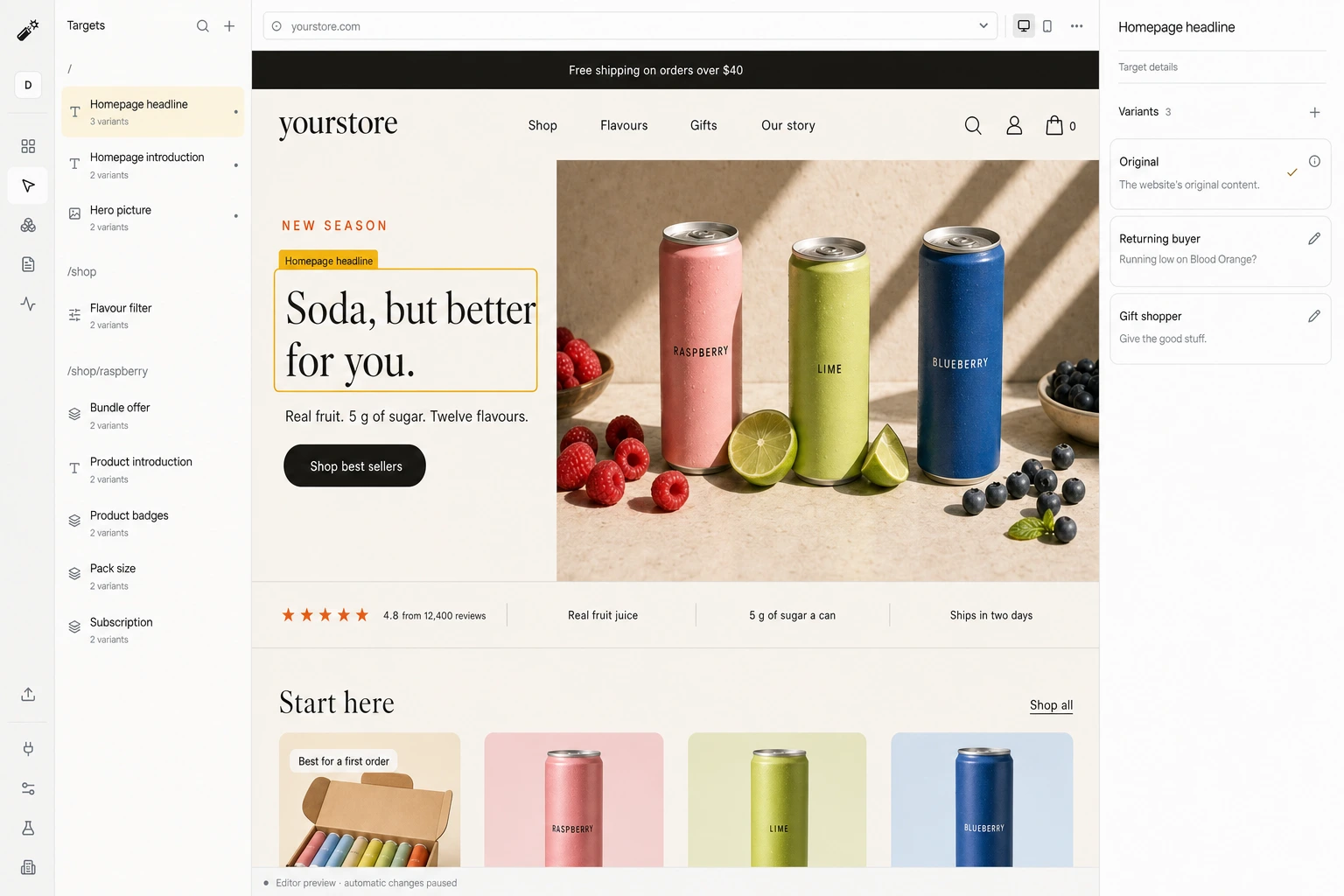
- Review a draft and go liveStep through each target and version in the editor, set the goal, then publish.
Good to know
- No Framer plugin or app. The install is a script in the Custom Code tab.
- Layers that Framer animates or rebuilds after load may put the original back.
- A campaign version needs its exact utm_campaign value on the landing URL. Visits without it are not eligible.
What happens on each visit
- A visit arrivesYour original page renders first.
- Signals are readCampaign, pages viewed, past visits, and any data you connected.
- A version is pickedOnly among the versions you approved, usually within 300 ms.
- The page changes, or staysAfter 1.5 s, or on any error, the original is kept.
Measured against visitors who never see it
A random share of visitors always gets your original site. Results compares the two groups on the one goal you chose, and reports lift once there is enough traffic to say something.
- 10% held back by default. You can change the split.
- 100 sessions per group and 10 conversions before lift is shown.
- 95% interval on the lift, not a single number.
Convert 20% more of your existing traffic
Dynamite’s real-time AI serves every visitor the content and offers most relevant to them, typically outperforming a static website by 20%.
You keep control
Dynamite doesn't generate new designs on the fly. You configure the possible designs on our dashboard, along with who they are for.
Questions
Where do I install it?
In project settings, on the Custom Code tab. Click Add Script, paste the line, place it in the head for all pages, then publish.
Does it work across page navigation?
Dynamite observes client-side route changes and requests a fresh decision per page. We have not yet recorded this on a Framer site, so we check it on yours during onboarding.
What happens to the default page?
It stays as published. Visitors who match no version, the holdout, and anyone whose decision is late or fails see it unchanged.
See Dynamite with Framer.
Or email samraaj@ion.design